Ads · Google Ads · Keywords · Ad copy
Google Ads for an office center — tenants
Google Ads for an office center: launch in 2 days, budget about $200. In two months — 14 calls and 6 leases; all vacant space filled.
About the client
In February 2015 the office-center director (same building as our team) asked how to bring tenants from the web. Classified ads sat for months — nearly a third of the floor space was empty.
The pain they came with
Classifieds weren’t closing the vacancy. Long-horizon SEO would bring cheaper clients, but free offices are finite — and site demand would fade once filled. They needed a fast channel: Google Ads on a tight budget.
-
A third of the building empty
Classified listings sat for months. They needed high-intent “office rental” queries — not more passive posts.
-
Need fast results
Long SEO is overkill here: few offices, once leased the channel demand drops. Google Ads brings leads now.
-
Tight budget
Stay around about $200, don’t inflate CPC, and cut weak directions.
How we guided them
We studied competitor USPs, built keywords, wrote ads, and assembled Google Ads campaigns. Budget went to strong keywords; weak ones were off. Launch — in 2 days.
- 01
Keywords for office rental
- 02
USPs and ad copy
- 03
Google Ads campaigns
- 04
Budget focused on the strongest queries
- 05
Leading ad slot at minimal CPC
- 06
Cut ineffective directions
In plain speak
Brief jargon — without the fog. How we explained each step to the client.
Launch in 2 days
We didn’t wait months for organic: keywords, ads, go live — tenants came from high-intent queries.
Budget ≈$200
A small check: money on strong words, weak campaigns off so clicks aren’t wasted.
Lease, not “click”
We counted calls and signed leases — until every vacant suite was filled.
What we did, step by step
Each step is a concrete change. Meaning on the left, screen on the right.
Offices, not “a site for a site’s sake”
The job was practical: fill empty space. Google Ads worked faster than classifieds and without long SEO.
Google Ads for rental
Search campaigns for office rental. Goal — a leading ad slot at low CPC without waste on junk queries.
Space for a tenant
An empty suite — what needed leasing. Ads led to a call and viewing, not “just another classified listing.”
More frames from the project
Not a gallery for its own sake — a few screens that complete the picture.
Where we landed
In 2 days we launched Google Ads. In the first two months — about 42 visits/day, 14 calls, and 6 lease contracts. In the end all vacant offices were leased; about 14 inquiries per month at distance.
What they got
- Google Ads for office rental · Voronezh
- Launch in 2 days · budget ≈$200
- High-intent rental queries
- Before us: 0 calls · 0 visits · 0 web leases
- First 2 mo.: ~42 visits/day · 14 calls · 6 leases
- All vacant space leased
In numbers
Need to lease space through Google Ads?
We’ll build keywords and campaigns for rental — the same way we did for the office center in Voronezh.
Other projects
Similar cases and neighbouring directions

×4 ad traffic growth
EHK / Artistic wrought iron
Google Ads for EHK — wrought iron
Google Ads for EHK artistic wrought-iron store: launch in 2 days, traffic ×4, leading ad slots at low CPC, about 100 inquiries. Site — vrn-ehk.ru.
View case →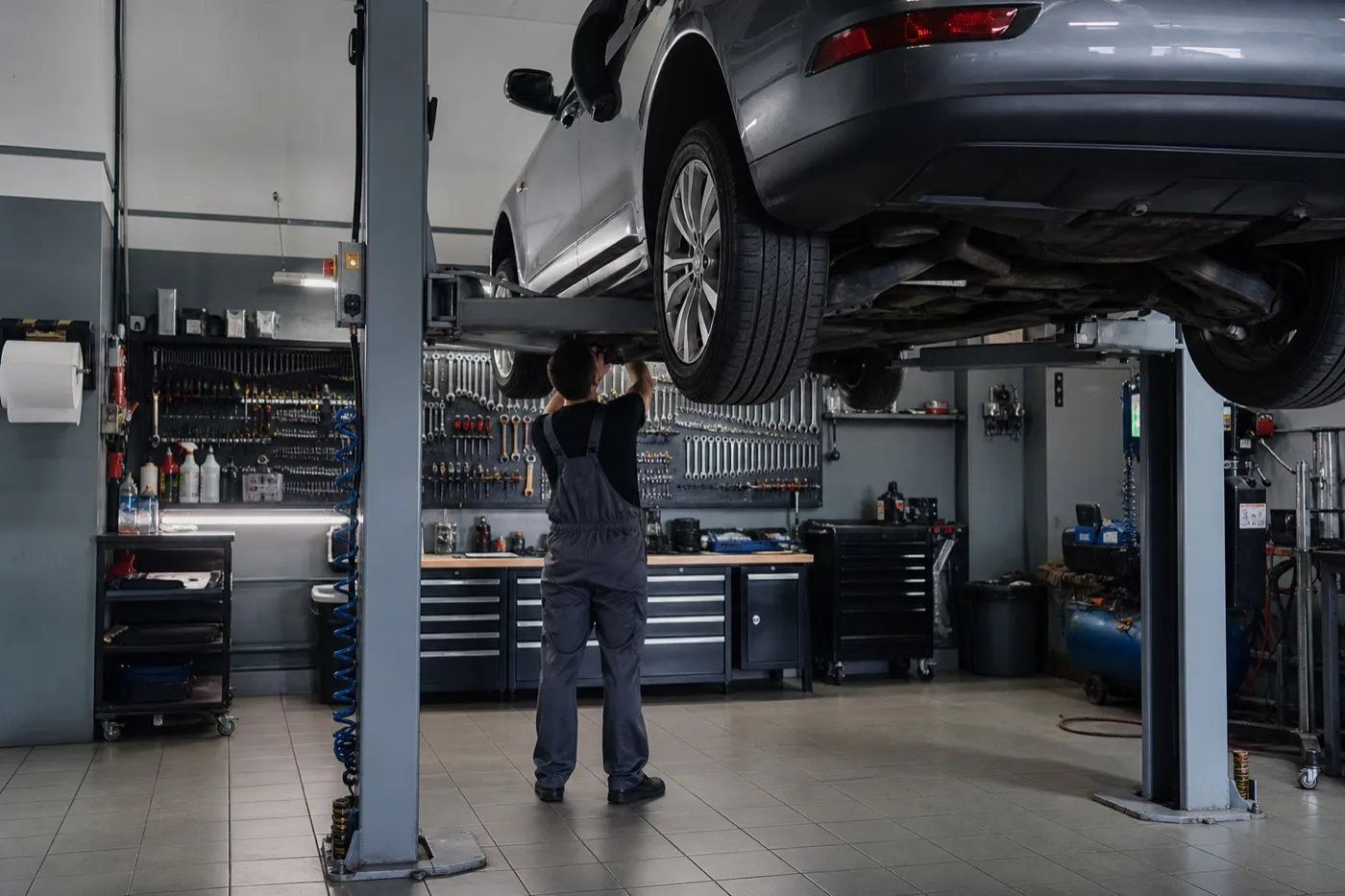
×4 ad traffic growth
Fortuna-avto
Google Ads for Fortuna-avto — Belgorod auto service
After SEO we launched Google Ads (with local search ads in parallel): live in 2 days, traffic ×4, search CTR ~14%, about 100 service inquiries.
View case →
~120 calls per month from search
KabelMontazh
SEO for KabelMontazh
B2B electrical installation: a 30-phrase commercial keyword set, page-one growth planned over 2–6 months, about 120 search calls per month. Partnership until ~2021 — then the company closed under market pressure.
View case →