Web · Bitrix · E-commerce · UX · Support
LorMag online store
We run an ENT-equipment store on Bitrix (enext): ~1,600 SKUs, account SEF URLs, image registry, git deploy. Live at lormag.ru.
About the client
LorMag is an online store of otorhinolaryngology equipment for clinics and practices: ~1,600 SKUs, ~200 sections, KaWe/Riester otoscopes, ENT units, audiometers, delivery. Platform — Bitrix, enext theme (altop.enext). We support the storefront, catalog, and buyer account.
The pain they came with
A narrow B2B Bitrix catalog: deep ENT section tree, quote requests, city picker, and a stable buyer account — otherwise clinics never reach order and purchase history.
-
Account SEF URLs
/personal/orders/ and profile returned 404 without urlrewrite rules — buyers couldn’t see orders.
-
Media across hundreds of cards
Need an image registry from uploads/infoblocks: where a file is used, link, Excel export for audit.
-
Catalog for an ENT practice
Otoscopes, units, audiometry — deep tree and a “request a quote” path next to retail price.
How we guided them
We support on top of enext: fixed account SEF, added an image registry and deploy docs, keep the storefront running without downtime.
- 01
ENT catalog: otoscopes, units, audiometers, tools — filters, grid, KaWe/Riester brands and more
- 02
Card: gallery, specs, buy / request a quote, delivery by city
- 03
Buyer account: SEF urlrewrite for /personal/order/ and /personal/
- 04
Image registry (tools/site-images.php) with name/SKU search and Excel
- 05
Git-first: docs, local soft-dev, prod deploy only on request
- 06
City picker, offers, partial-phrase search
In plain speak
Brief jargon — without the fog. How we explained each step to the client.
Account SEF
Orders and profile open on normal URLs, not 404.
Image registry
Admins see which photo is tied to which product and can export the list to Excel.
Request a quote
For practice kits or wholesale — a request to the manager, not only a “buy” button.
enext on Bitrix
A ready store theme: catalog, cart, account — we adapt it for the ENT niche instead of building from scratch.
What we did, step by step
Each step is a concrete change. Meaning on the left, screen on the right.
Homepage storefront
Header with search and city, slider (otoscopes, video endoscope, ENT unit), “recommended / new / hits” tabs, category grid.
Otoscope catalog
Section with filter and grid: KaWe, Riester, and more. SEO copy plus personal recommendations.
Card for the clinic
KaWe EUROLIGHT C30: gallery, description and specs, price, Buy, compare, delivery to the selected city.
More frames from the project
Not a gallery for its own sake — a few screens that complete the picture.
Where we landed
A living ENT-equipment store on Bitrix enext: ~1,600 SKUs, stable account and storefront, media registry. Site: lormag.ru.
What they got
- ENT store · ~1,600 products · ~200 sections
- Bitrix enext · KaWe · Riester · units · audiometry
- Buy and quote request · city picker · delivery
- Account SEF · image registry
- Git support · docs and soft-local
- Live lormag.ru
In numbers
Need a medical-equipment store or enext improvements?
We’ll shape the catalog and account for clinics — the same way we did for LorMag.
Other projects
Similar cases and neighbouring directions
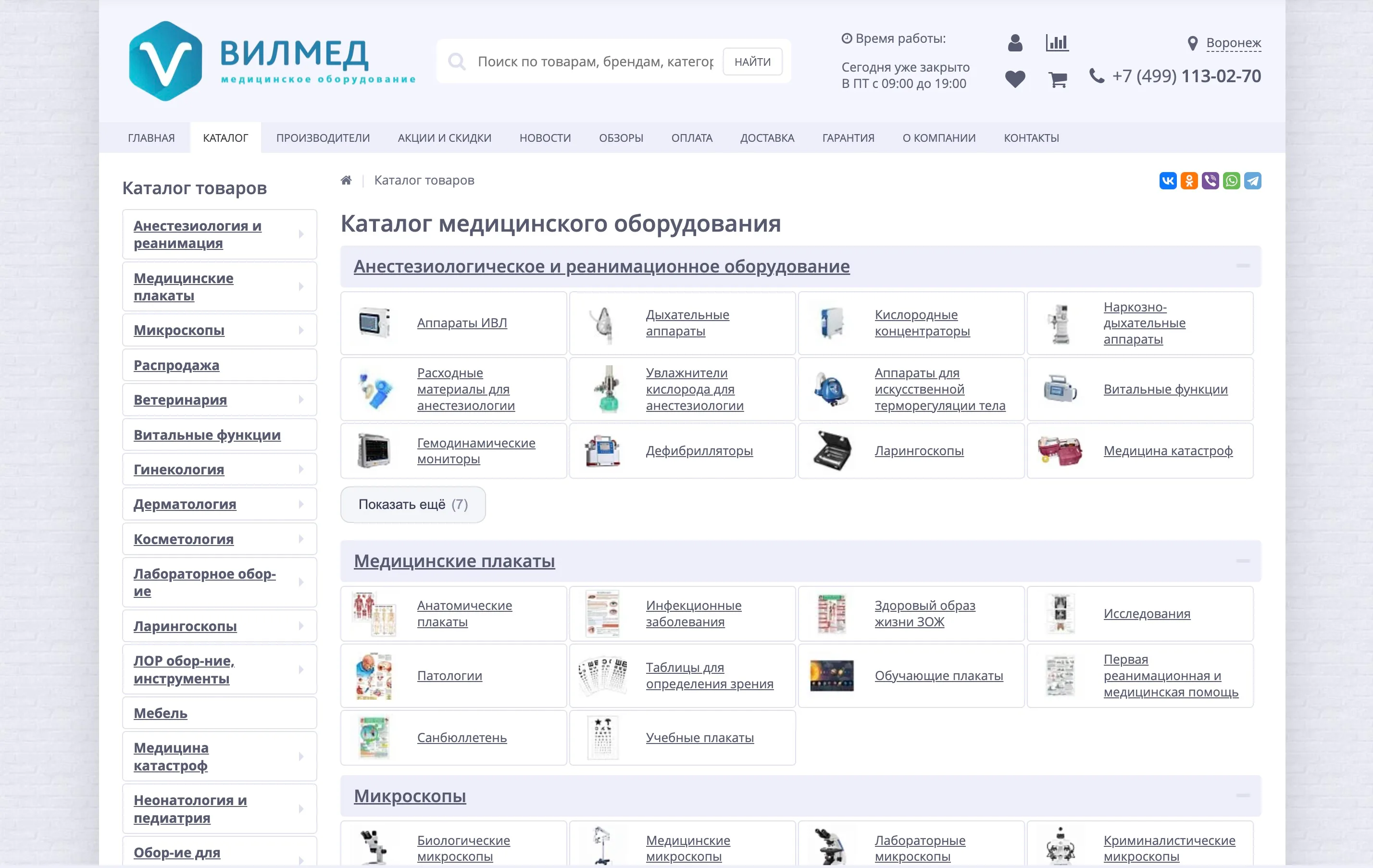
15,000+ products in catalog
VILMED
VILMED storefront improvements
Ongoing work on a large medical-equipment store on Bitrix: sticky header and smart search, catalog and product-card UX, SEO filters, ERP sync, composite/Brotli, and a shell cleanup. Live at vilmed.ru.
View case →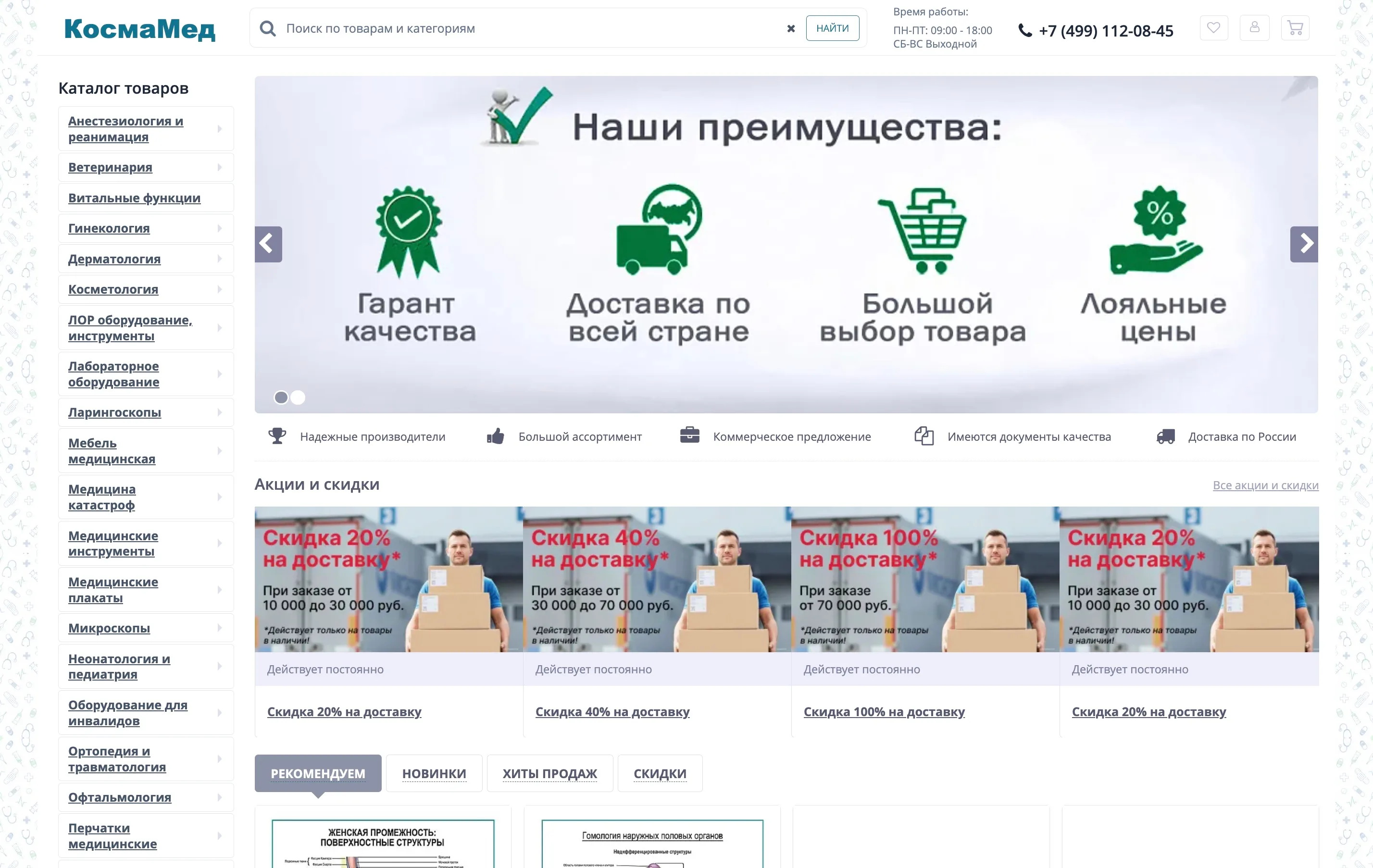
55,000+ SKUs in the catalog
KosmaMed (formerly MedMarket)
KosmaMed online store
We run a large medical-equipment store on Bitrix: MedMarket→KosmaMed rebrand, domain migration with 301s, speed (no RAND, composite, WebP), MoySklad/ERP/carriers. Live at kosmamed.ru.
View case →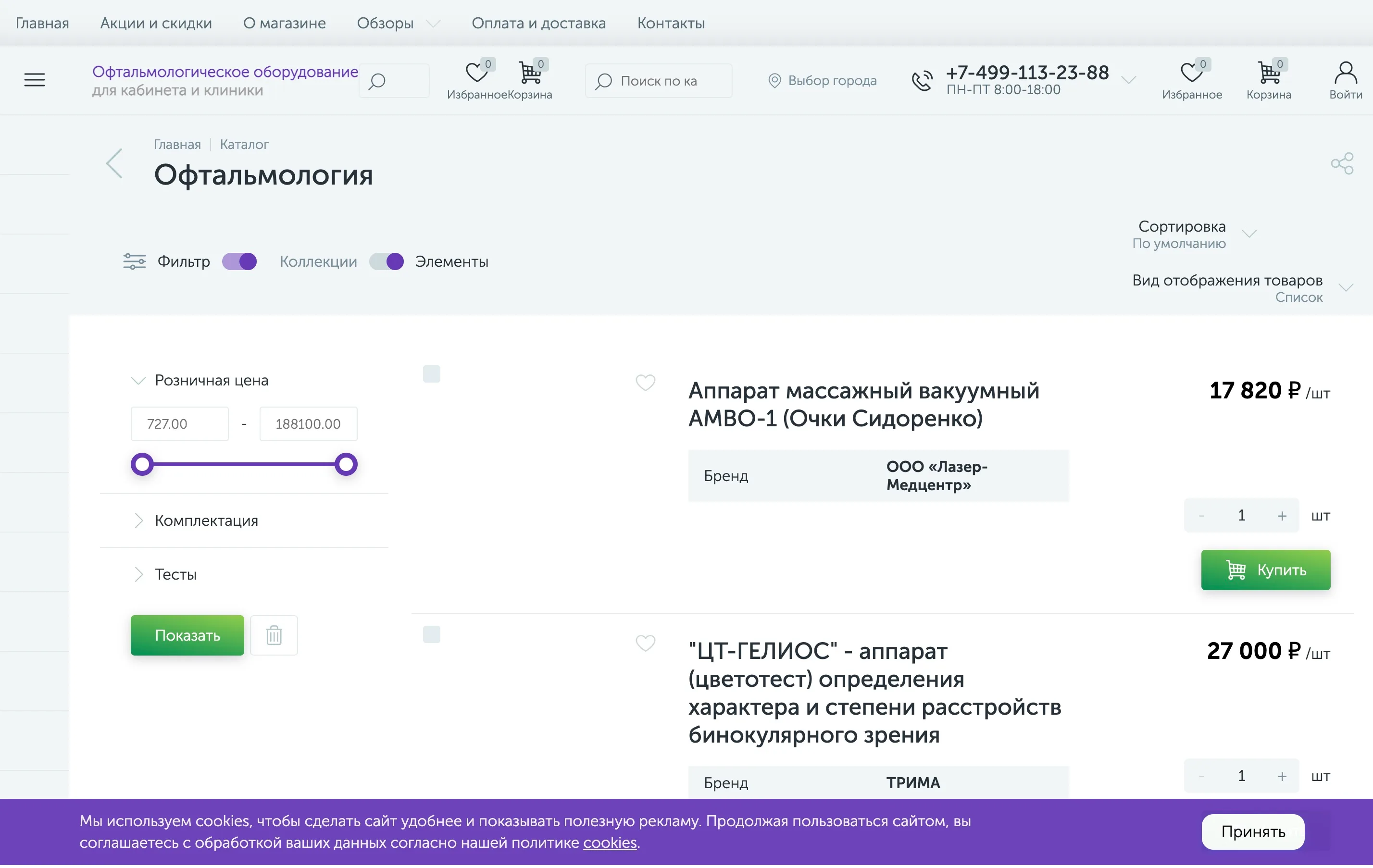
~1,900 SKUs in the catalog
Oftalmag
Oftalmag online store
We run an ophthalmology-equipment store on Bitrix (enext): Heine/KaWe/Riester catalog, “request a price”, city picker, account SEF. Live at oftalmag.ru.
View case →